Troubleshooting BM Creation Issues: Effective Solutions
Creating a Business Manager (BM) can sometimes become a daunting task for users seeking a streamlined approach to managing their social media accounts, ad campaigns, and extensive business operations. Unfortunately, there are instances when the BM creation process does not go as planned, leading to frustrations. In this article, we’ll explore the common issues associated with BM creation and provide effective troubleshooting strategies to guide you through the process.
Understanding Business Manager (BM)
Business Manager is a Facebook tool designed to help businesses and agencies manage their Facebook pages and ad accounts in a centralized platform. It provides users with tools to organize, analyze, and manage their advertising efforts, ultimately helping businesses to achieve their marketing goals efficiently.
Common Issues When Creating a BM
1. Account Verification Problems
One of the primary issues users face is the lack of account verification. Without a verified account, users may find themselves unable to create a Business Manager. Verification usually requires a valid business email, website, and other business information.
2. Limits on Account Creation
Facebook has set limits on how many BMs one person can create. If you have reached this limit, you will not be able to create another one. Ensure that you manage your existing BMs effectively, or you might need to request a limit increase from Facebook support.
3. Technical Glitches
Technical errors can also impede the BM creation process. This could be due to browser compatibility issues or temporary server outages. Users often need to refresh their browsers or try using a different browser or device entirely.
4. Insufficient Permissions
Your personal Facebook account should have the appropriate permissions. If you have recently changed your account status or if your account has been flagged, it might restrict your ability to create a BM.
5. Incomplete Business Information
Business Manager requires thorough business information. If any required fields are left blank or if the information provided does not match existing records, the creation process may stall or result in an error.
Troubleshooting Strategies
1. Confirm Account Verification
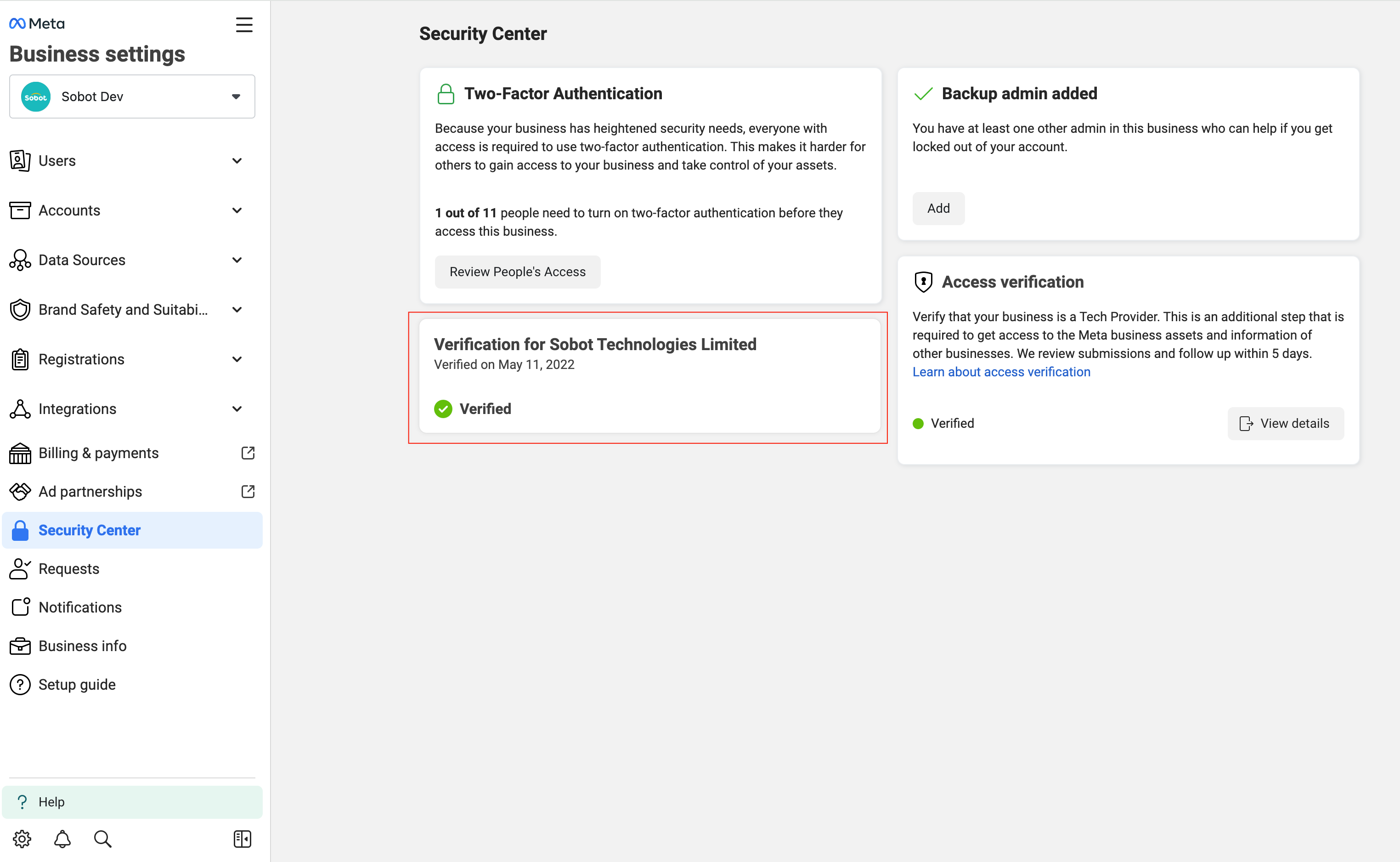
Ensure that your Facebook account is fully verified. Check that your email is confirmed, and consider logging into your business account settings to verify your business information.
2. Manage Existing BMs
Log in to your existing BMs to check their status and see if there are any issues that could be resolved. You may need to merge or disassociate unnecessary accounts to create a new Business Manager.
3. Address Technical Issues
If technical issues arise, try clearing your browser’s cache, updating your browser, or trying a different device. Additionally, checking Facebook’s ongoing system status can provide insight into widespread issues affecting BM creation.
4. Review Permissions
Make sure that your account has the necessary permissions. If there’s a suspicion that your account is restricted, reaching out to Facebook Support may help clarify your status and permissions.
5. Provide Accurate Business Details
Double-check all fields, making sure that your business name, address, and contact details are accurate and complete. Providing accurate information can eliminate errors during the creation process.
What to Do If Problems Persist?
If you have tried all troubleshooting strategies and are still unable to create a BM, it may be time to reach out to Facebook’s support team. They can help identify the underlying issue specific to your account and work with you to resolve it.
Conclusion
Creating a Business Manager can often lead to challenges that require patience and a systematic approach to troubleshooting. By understanding the common issues that may arise and following the suggested solutions, you can enhance your chances of successfully setting up a Business Manager. Ultimately, the goal is to streamline your business management tasks efficiently.
For more detailed information and guidance, visit the source: BM Creation Not Working: What to Do If the Default Method Fails https://crazyfb.shop/en/page/bm-ne-sozdaetsya-chto-delat-esli-standartnyy-sposob-ne-podhodit


recent post
Exploring Non-Gamstop UK Casinos A Guide for Players
June 2, 2026
CONTACT US

Category
MUST READ
Popular Posts